




Spinmaya Mobile Casino App
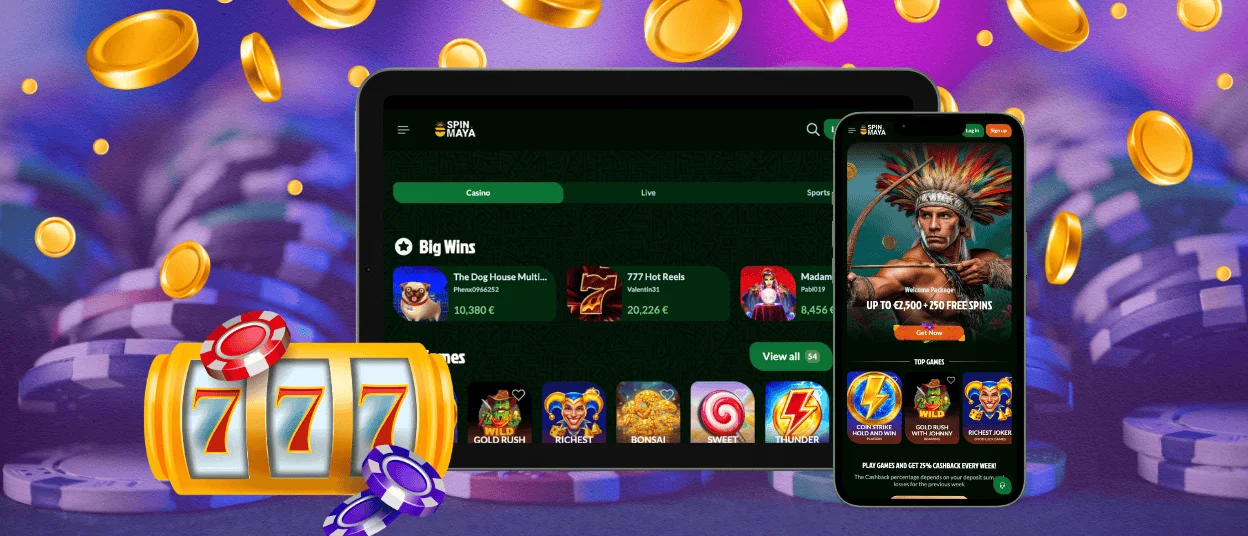
The Spinmaya app opens casino games, payments, bonuses, and support directly in a mobile browser. Spinmaya Casino works as a secure web app, so there is no large download, and the same account stays available on your phone, tablet, and computer.



Advantages of the Spinmaya Mobile Application
Spin Maya keeps access straightforward on every modern device. The Spinmaya app runs in the browser and installs on the home screen for faster entry to the lobby. From one mobile menu, players reach online slots, live tables, sports betting, promotions, deposits, withdrawals, and account tools.
Mobile play works well for quick, comfortable sessions. Sweet Bonanza Super Scatter, Lightning Roulette and the rest of the game selection stay close at hand during a trip, at home or on a short break. A PC screen gives live dealer tables and longer sessions more room. Touch controls make mobile navigation faster.
| Feature | Spinmaya on mobile | Spinmaya Casino on PC |
| Access | Add it to the home screen and open it in seconds | Open it in a desktop browser |
| Best for | Short sessions, online slots, deposits and live chat | Longer sessions, larger live tables and multiple browser tabs |
| Updates | Web updates install automatically | Website updates install automatically |
| Storage | No large installation file | No installation file |
| Security | HTTPS connection with browser sandbox | HTTPS connection with full desktop browser controls |
| Payments | Visa, MasterCard, Skrill, Neteller, Paysafecard, BLIK and crypto | Same payment area and account balance |
Spin Maya keeps the main desktop functions available on mobile. One account connects the same balance and support channels on every device. Start a game on your phone and continue it later from a laptop.
Spin Maya App for Android
Spinmaya runs on Android as a progressive web app. Open our official website in Chrome or another modern browser, sign in or register, then use the browser menu to add the Spinmaya app to the home screen. No separate APK from unknown websites is required.
The Spinmaya Casino lobby gives Android users access to slots, live casino games, sports betting, promotions, and payments. The mobile layout makes it easy to move between sections and keeps key account tools within reach. Spin Maya on Android works equally well for short visits and regular play.
The Android version stays practical on any compatible screen. The menu remains within easy reach, and the account area is always easy to find. Live chat and email connect you directly with the Support Team for questions about verification, payments or bonuses.
Spinmaya App for iPhone and iPad
Accessing the Spinmaya app on iPhone and iPad takes only a few steps.
Add it to the home screen:
- Open Spin Maya in Safari
- Tap the Share menu
- Choose Add to Home Screen
The same account covers every key action on iOS. Register, log in, open online slots, enter live dealer games, claim available promotions, and review payment options. Spin Maya keeps the layout familiar when you move between an iPhone and a desktop computer.
Support is also easy to reach on iOS. Use live chat for quick help. Email the Support Team for detailed account questions.

Spinmaya App on Windows and macOS
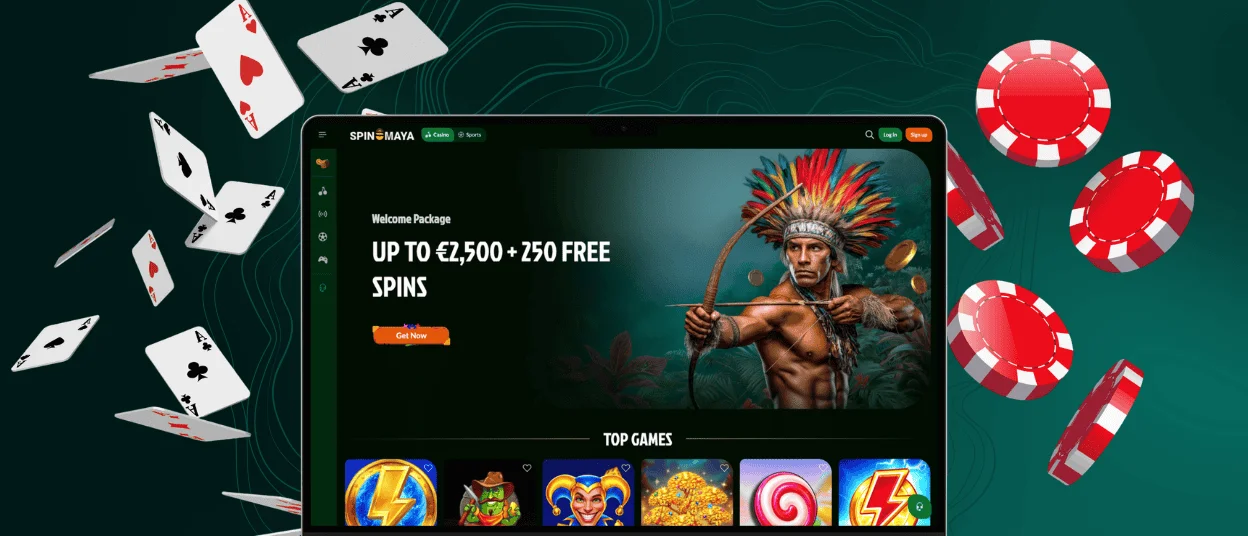
Spinmaya also runs on Windows and macOS through Chrome, Edge, Safari and Firefox. Open the official website and log in without installing a desktop program. Supported browsers also let you create a shortcut or install the web app for faster access from the desktop or dock.
Desktop play gives detailed tables, game filters, and live dealer streams more screen space. Spinmaya Casino uses the larger display well when you compare slots, watch roulette or manage your balance. Keyboard and mouse controls also suit players who prefer a desktop setup.
The desktop version links to the same Spin Maya account. Your balance, bonus area, payment methods and game access remain connected to one login. Deposit with MasterCard on a laptop, switch to mobile later and view the same account activity.
We built Spinmaya Casino for flexible access without giving up control. The web app stays simple, secure and current on every supported device. Android, iOS, Windows and macOS all lead to the same games, payments, support and responsible play tools.
How the Spinmaya PWA Protects Players
- Browser sandbox: The Spin Maya PWA runs inside the browser. This environment restricts access to contacts, storage, the camera and other sensitive device resources, which reduces exposure during an attack.
- No installer files: Spin Maya does not require downloadable installation packages. This cuts the risk of fake files, modified installers, and malware from unsafe sources. Use only the official Spinmaya website and avoid third-party download pages.
- Encrypted connection: Spinmaya Casino uses HTTPS to protect data sent between the site and the server. Login details, payment activity, and account pages stay protected in transit.
- Automatic updates: Security updates load through the web app. There is no need to check an app store or install a new file. Each updated session uses the latest available version, reducing the risk linked to outdated software.
Spinmaya App FAQ
Do I need an account to use the Spinmaya app?
Yes. You can browse general pages on the Spinmaya website without an account, but real-money games, bonuses, deposits, withdrawals, and balance management require registration. An account helps Spinmaya Casino protect your profile and apply account rules. Verification is also required before certain withdrawals or account actions.
How Is a PWA Different from a Traditional Casino App?
A PWA gives direct access to Spinmaya from the home screen without using an app store. It opens in a separate window and works like a standard application. The PWA requires less storage space and loads quickly on compatible devices.
Can I access every game in the app?
Spinmaya provides the same main casino sections on mobile and desktop. Supported devices give access to online slots, live casino games, and the sportsbook. Individual titles still depend on provider rules, screen size, region, and technical limits. If a game does not load, refresh the page, check the connection, or contact the Support Team through live chat.


